

Description
“Half my support email is people who forgot their password.”
Customers get logged out, forget their password, and abandon the cart or email you. Meanwhile your own inbox fills with a copy of every password change, and your login page sits open to anyone guessing. WooCommerce leaves all of that to you.
What it does
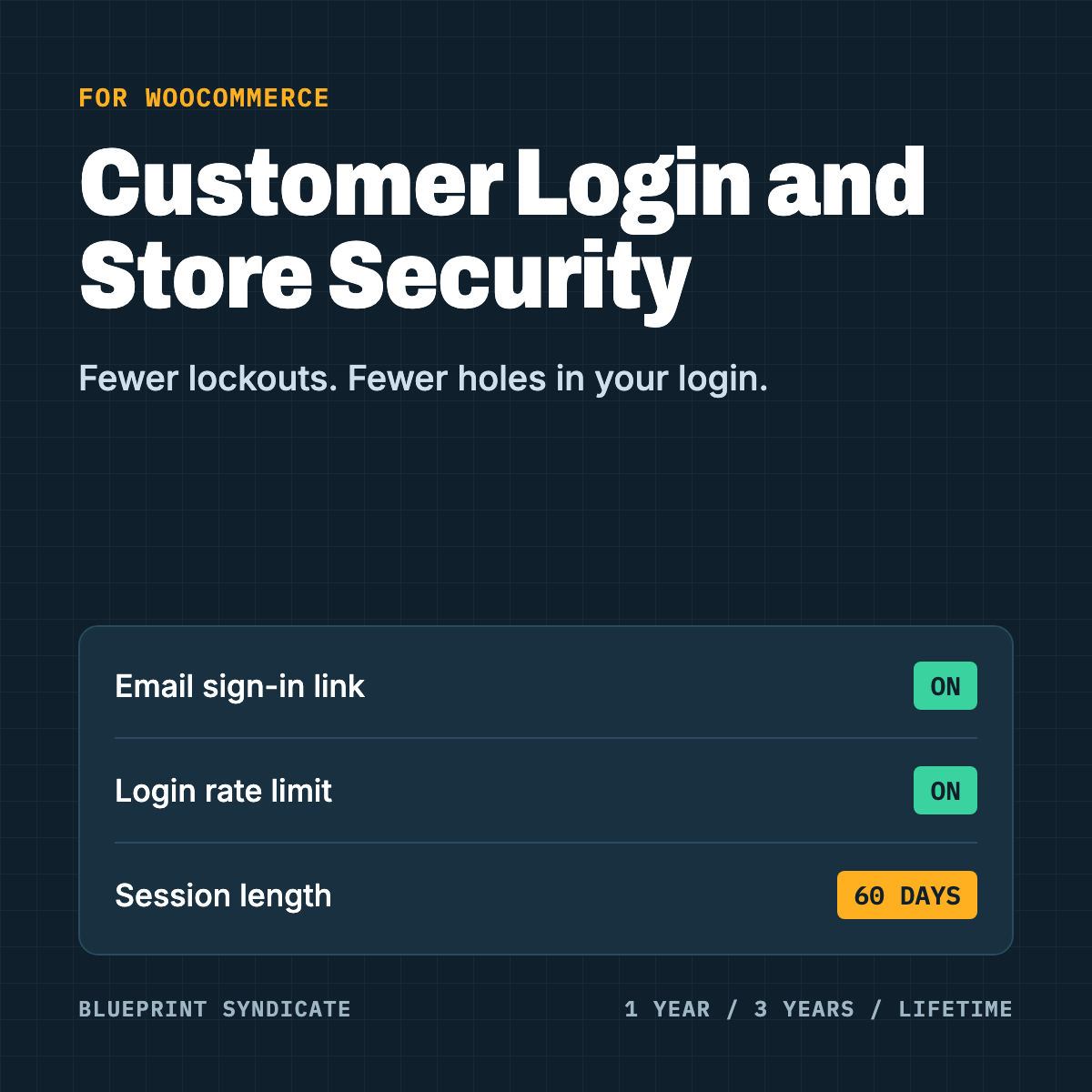
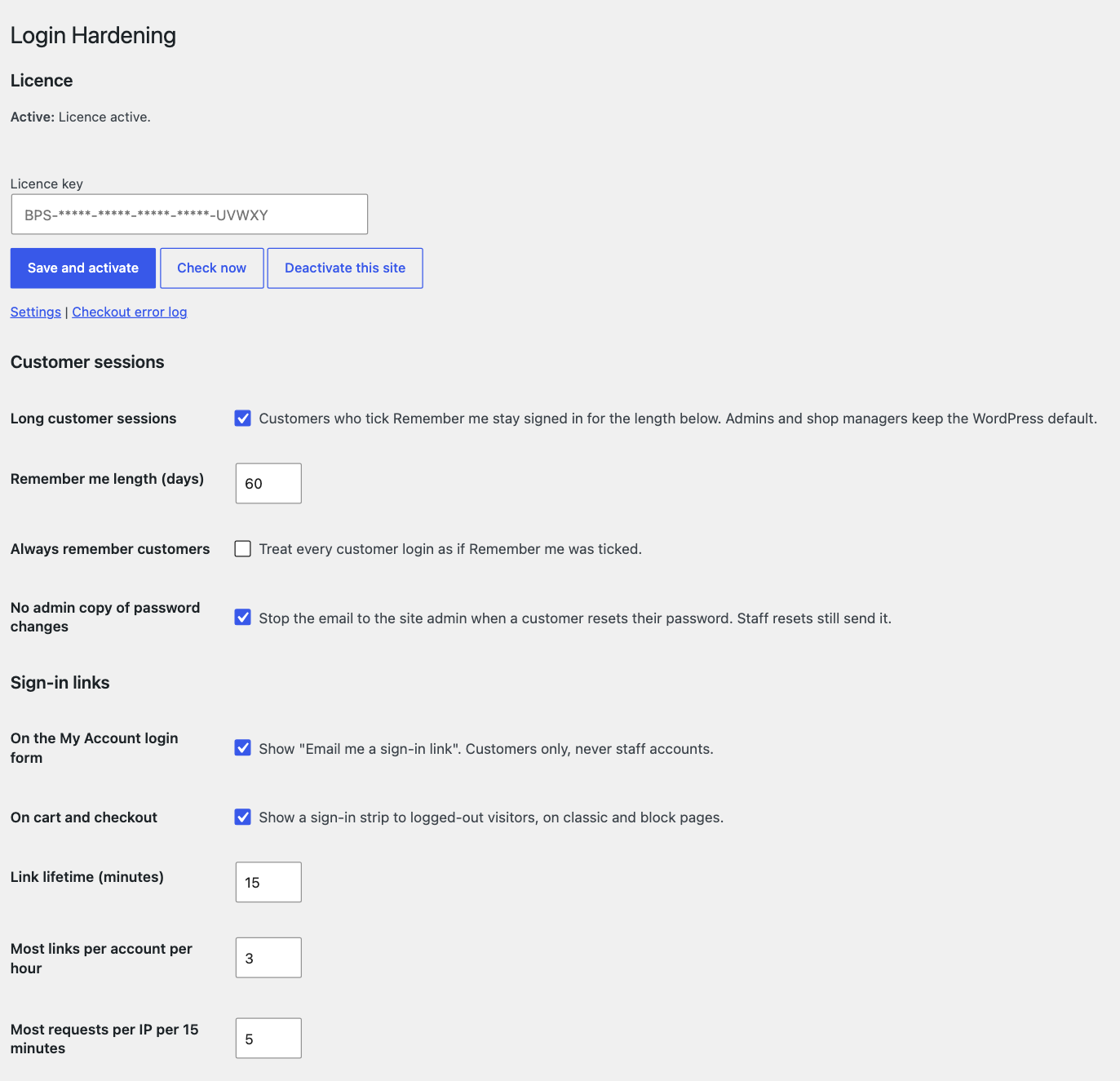
Email sign-in links. A customer enters their email and gets a link. On My Account by default, and optionally on the cart and checkout. Customers only, never staff. A link lasts 15 minutes by default, works once, and dies if the password or email changes. Opening it shows a confirm button, so email scanners cannot use it up.
Long customer sessions. Set how long Remember me lasts for customers, 60 days by default. You can also treat every customer login as Remember me. Staff keep the WordPress default.
No admin copy of password changes. The site admin stops getting an email each time a customer resets their password. Staff resets still notify.
Account help. A block under the login form and a shortcode, with your text, help link, contact link and email.
Hardening switches.
- On by default: disable the file editor, block plugin and theme installs from wp-admin, hide the WordPress version.
- Off until you choose: disable XML-RPC, hide usernames, disable application passwords, use generic login errors.
Login rate limit. 20 tries per IP and 10 per login in 15 minutes, with a clear button and a rescue setting if you lock yourself out. Off by default.
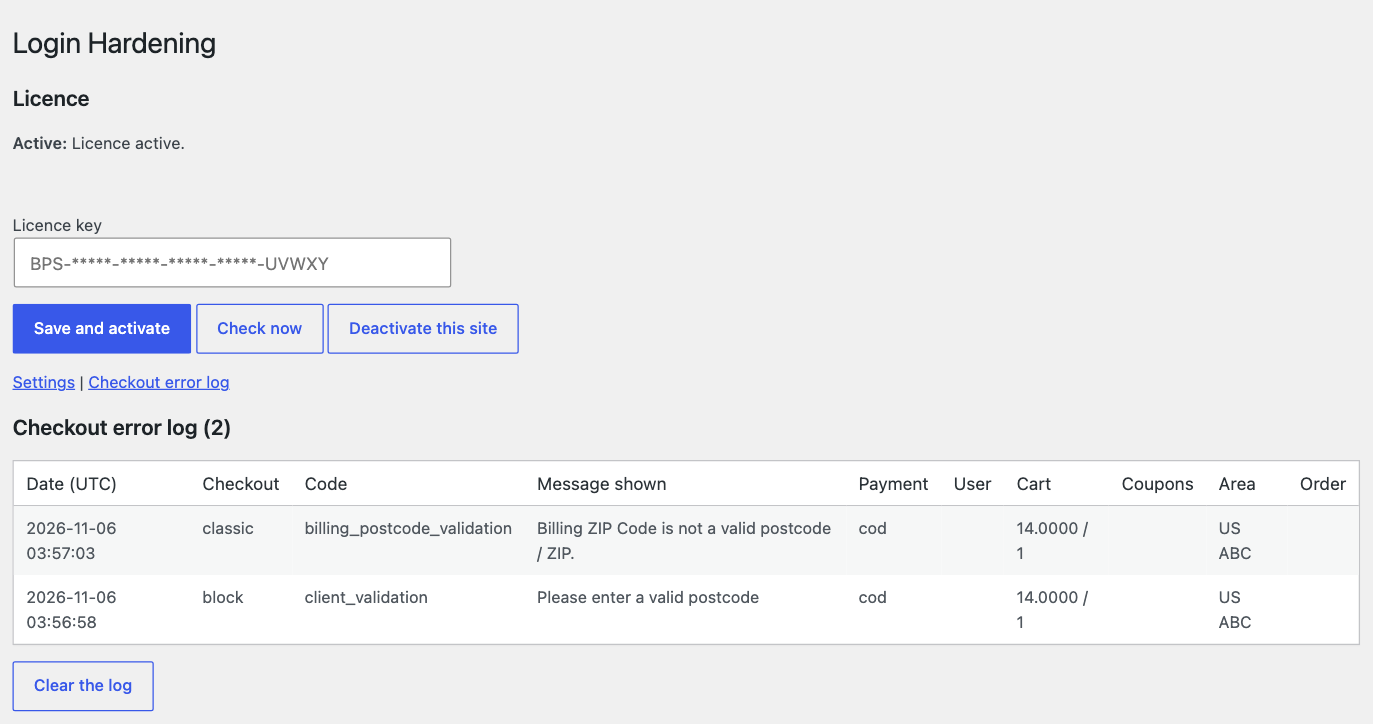
Checkout error log. Records what customers saw when checkout failed, including browser-side errors on block checkout. Kept on your site for 30 days by default, with a viewer.
Update mute. Mute update offers for plugins you choose. Nothing is muted until you pick. It also stops auto-update for those plugins, so use it knowingly.
How it works at checkout
The sign-in strip can show on cart and checkout, on classic and block. The error log listens quietly while the customer checks out.
Our server never blocks your checkout. If our server is down, checkout completes, sign-in links still send, and you see a notice in wp-admin.
Requirements
- WooCommerce 11.1 or newer, WordPress 6.5 or newer, PHP 8.1 or newer
- Works with HPOS on or off
- Works with block and classic checkout
Privacy: what leaves your store
Only licence checks. About once a day the plugin sends your licence key, store address, a site ID, and your plugin, WordPress, WooCommerce and PHP versions. Our server also sees your store’s IP address, and keeps it in its logs for up to 30 days. No customer data goes to our server.
Sign-in tokens, rate limit counters and the checkout error log stay on your own site. The error log has a retention setting, an exporter and an eraser.
Pricing
1-year licence: $59. 3-year licence: $119. Lifetime licence: $143. Each is a one-time payment with no auto-renewal. When a 1-year or 3-year term ends, you buy a new licence to keep the plugin running.
Each licence covers one site.
What happens if you cancel
All features stop 7 days after your term ends. Your settings and log are kept, and a new licence restores everything.
- Stops: long customer sessions, the password change email setting, sign-in links, account help, hardening switches, the login rate limit, update mute and new error log entries. Log retention, export and erase still run.
- Check this: every hardening switch and rate limit turns off when the licence lapses. Your file editor and installs go back to WordPress defaults, and muted plugins start offering updates again. Nobody is locked out.
Honest limits
- WordPress and WooCommerce lost-password forms still reveal whether an account exists. This plugin does not change them.
- Someone who knows a username can trigger the per-login lockout on purpose. It is off by default and expires. Customers can still use sign-in links, and staff need the clear button or the rescue setting.
- Rate limits are not exact under a burst, and can go slightly over.
- On servers that buffer the full response, a sign-in request can take slightly longer when an account exists. The page content stays identical.
- Behind a proxy, you need to pick the right header for the rate limits to see real visitors.
- The checkout error log accepts text from the browser, so treat it as a clue and not as proof of what a customer saw.
- This is login hardening for a store. It does not replace a firewall, backups or two-factor login.
FAQ
Can staff use sign-in links? No. They are for customers only. Staff log in as usual.
Can a link be used by an email scanner? No. Opening the link only shows a confirm button, and using the link takes a press of that button.
What if I lock myself out? The rate limit is off by default. If you turn it on and get locked out, use the clear button or the rescue setting in wp-config.
Is there a free version? No. The plugin needs a licence: 1-year, 3-year or lifetime.

Reviews
There are no reviews yet.