Description
“We found out about the failed payment two days later, from the customer.”
Order emails pile up in one inbox nobody watches. Your team already lives in Slack, so that is where the store should tell them what happened.
What it does
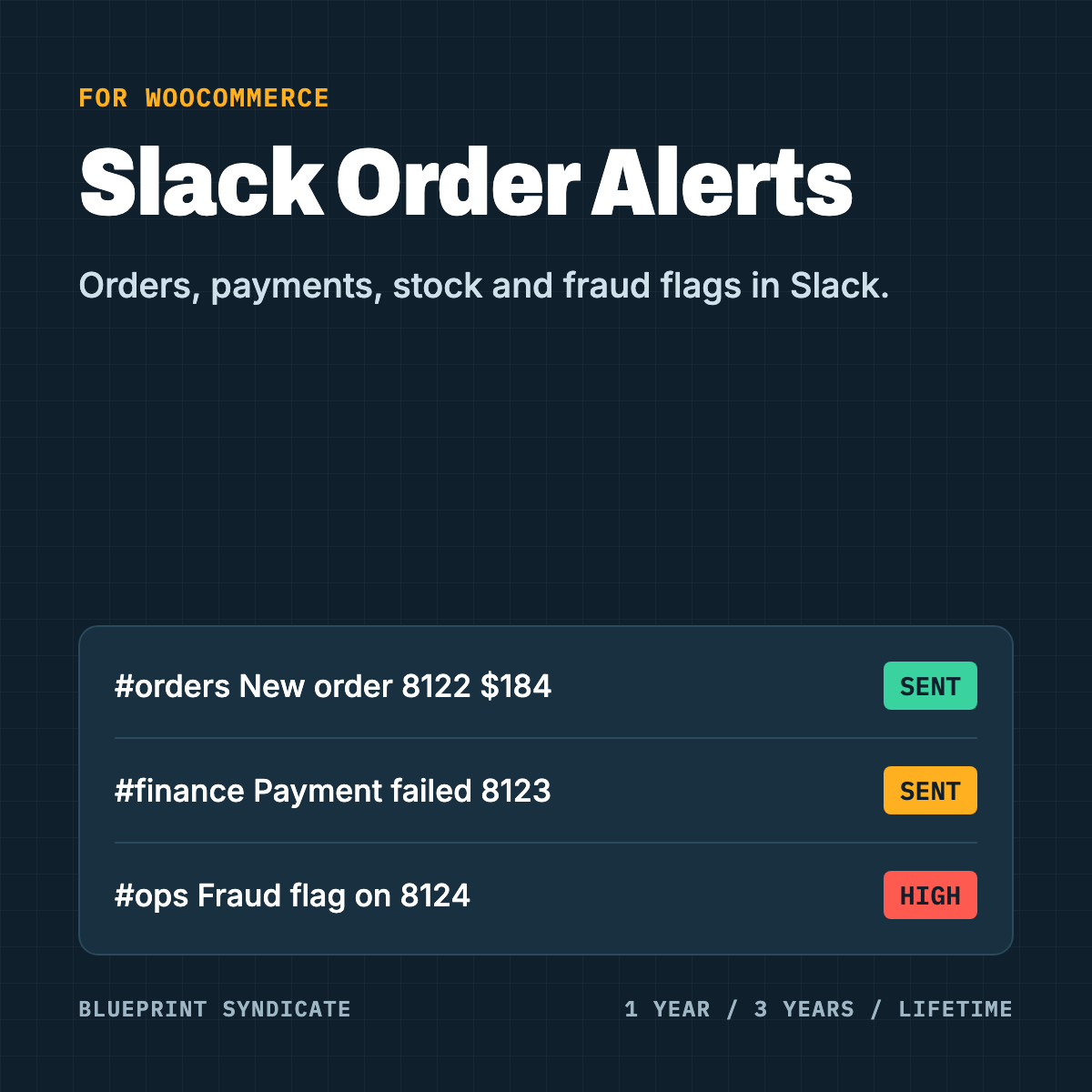
Slack Order Alerts for WooCommerce posts a message to Slack when something in your store needs attention.
The events that matter. New paid orders, orders over an amount you set, failed payments, refunds, cancelled orders, low stock and out of stock.
Fraud and coupon flags. If you also run our Duplicate Account & Fraud Guard or Coupon & Referral Abuse Guard, their medium and high risk flags and refusals post to Slack too.
Right channel for each event. One default Slack webhook, plus an optional webhook per event. Send payments to #finance and stock to #warehouse.
Your wording. An editable message per event with placeholders like {order}, {total}, {status}, {items} and a link to the order in your admin.
Private by default. Customer names, emails, phone numbers and addresses stay out of Slack unless you turn them on for an event.
Never slows checkout. Messages go out in the background after the order is saved. If Slack is slow or down, the plugin retries and your customers never notice.
Test and log. A send-test button and a log of the last 50 deliveries with their result, so you can see a problem before your team misses an order.
What you need
- A Slack workspace where you can add an Incoming Webhook
- WooCommerce 11.1 or later, PHP 8.1 or later
Good to know
Slack is a trademark of Slack Technologies, LLC. This plugin is independent and is not made by, endorsed by, or connected with Slack.
Licence
Choose 1 year, 3 years or lifetime. One payment, no automatic renewal, one site per licence. Without an active licence no messages are sent. Your settings are kept, and a new licence restores everything.



Reviews
There are no reviews yet.