Description
“Hours live in one app, the schedule in another, and time off in a group chat.”
Small teams end up paying per person, per month, for three tools that never agree with each other. If your store already runs on WordPress, your staff hours can too.
What it does
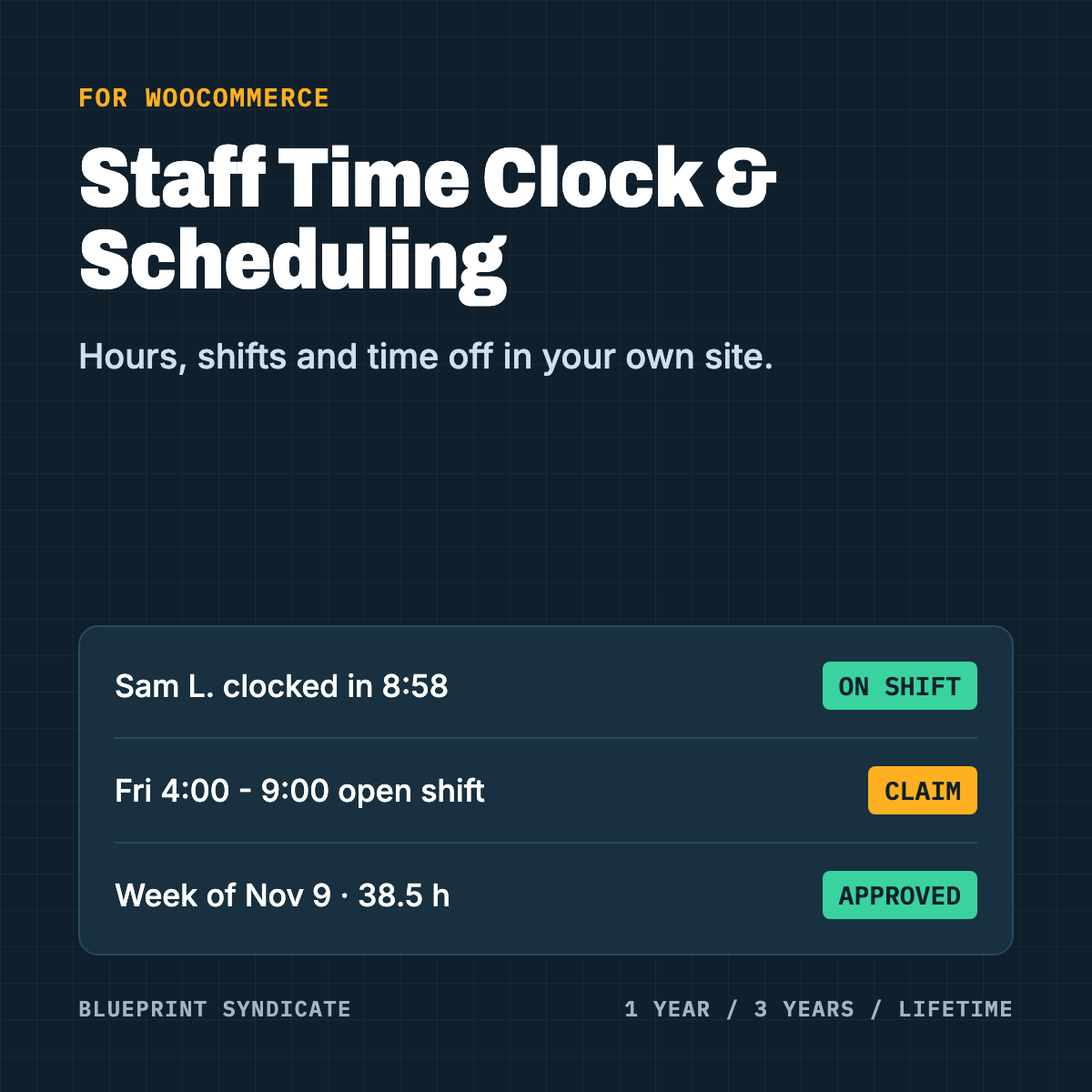
Staff Time Clock and Scheduling for WooCommerce gives your team a phone-friendly page to clock in and out, and gives you the schedule and the hours in your own admin.
Clock in from a phone. Staff log in with their own account and clock in, clock out and take breaks. If the signal drops, the tap is kept and sent when the phone is back online.
Optional location check. Set a work site and either flag or refuse clock-ins from somewhere else. Staff see a notice first, and location is taken only at the moment of a punch, never as a trail.
Weekly schedule. Build the week on a grid, copy last week, and publish when it is ready. The plugin warns about clashes with other shifts and time off.
Open shifts, swaps and time off. Staff pick up open shifts, swap with a coworker, ask for time off and set their availability. You approve.
Timesheets with a history. Approve hours, fix a missed punch or let staff request a fix. Every change records who made it, when and why. A manager cannot approve their own hours.
Hours for payroll. Weekly, two-weekly or twice-monthly pay periods, an hours report, and CSV exports of hours and punches.
Positions and roles. Your own positions, a Staff role and a Staff manager role.
What you need
- WordPress with WooCommerce 11.1 or later, PHP 8.1 or later
- A WordPress account for each staff member
Good to know
The plugin records hours. It does not work out overtime, breaks you owe or legal pay, because those rules differ by state and country. Phone location can be faked, so the location check supports your review and does not prove where someone was. Rules on tracking staff location vary; tell your staff and follow the law where you operate.
Licence
Choose 1 year, 3 years or lifetime. One payment, no automatic renewal, one site per licence, any number of staff. Without an active licence staff can still clock out and you can still view and export hours; new clock-ins, the schedule and edits stop. Nothing is deleted, and a new licence restores everything.


Reviews
There are no reviews yet.