
Description
“I have five plugins just to fix little things on my cart page.”
A quantity box nobody can tap on a phone. A checkout that never says when the order will ship. No easy way to ask for a review. Each fix is usually its own plugin with its own settings and its own scripts loading on every page.
What it does
Nine modules, one settings page, each with its own switch.
| Module | What it does | Starts |
|---|---|---|
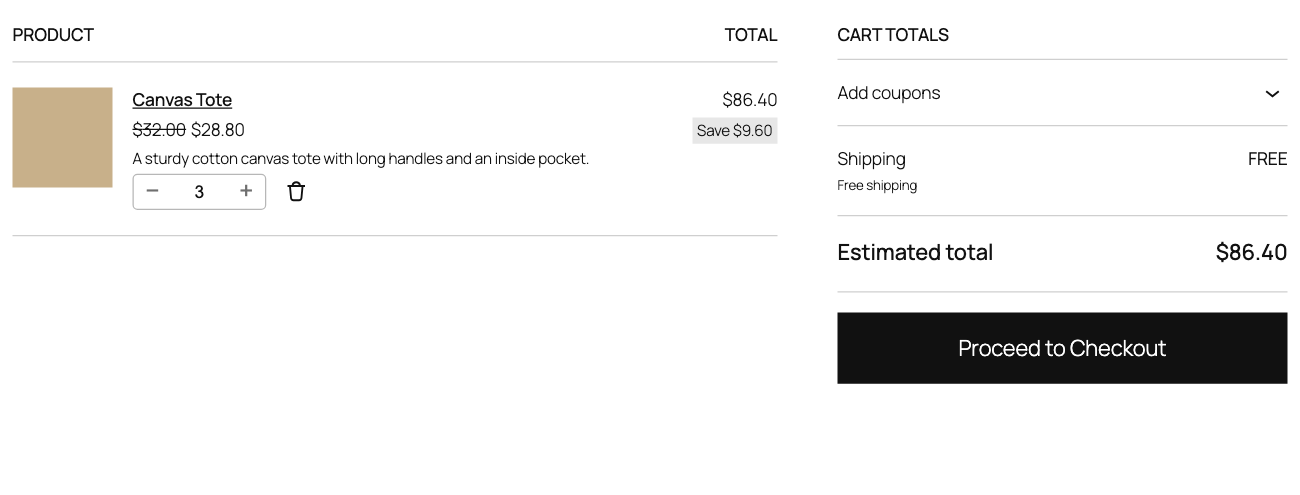
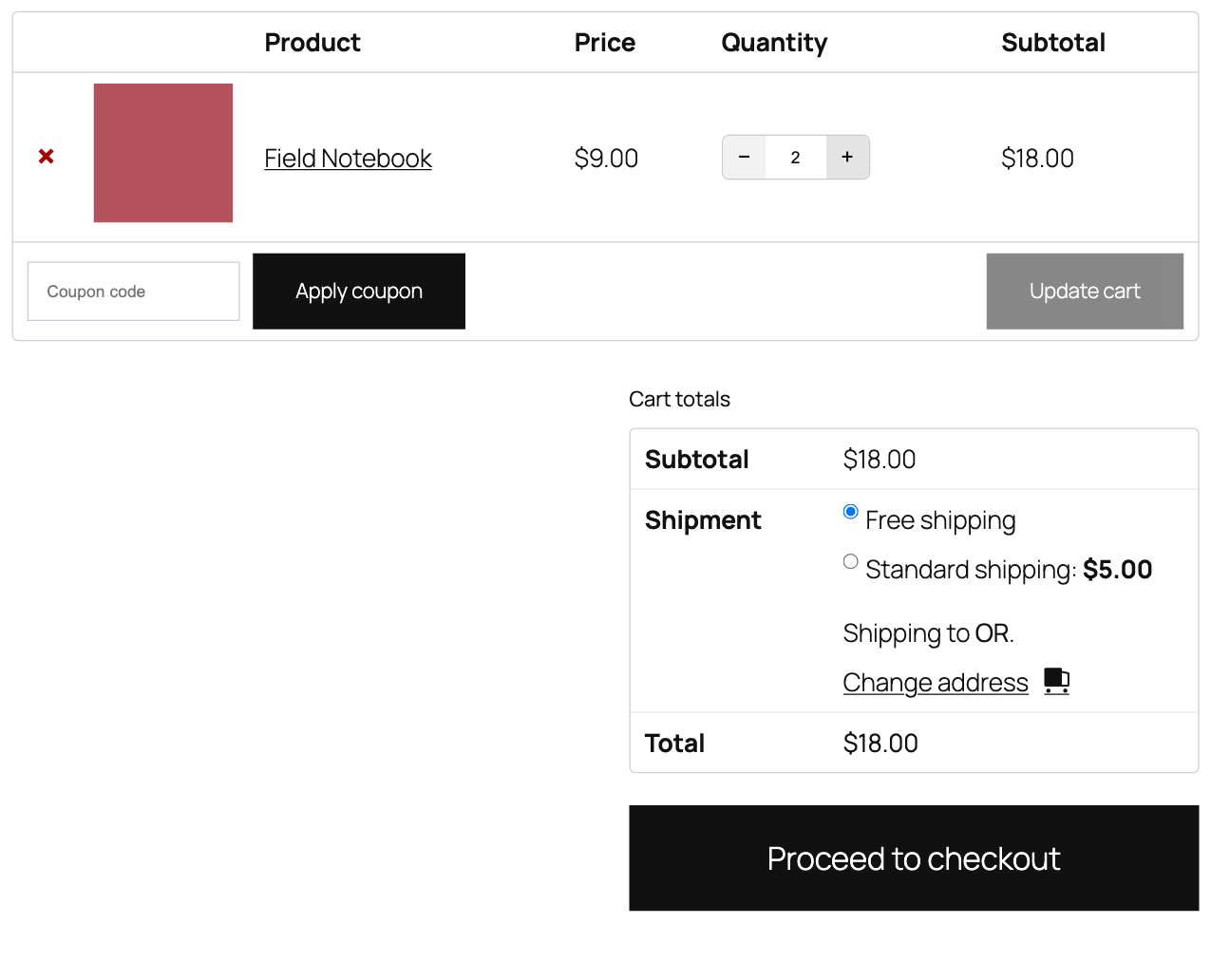
| Cart quantity stepper | Plus and minus buttons on the classic cart and mini-cart widget | On |
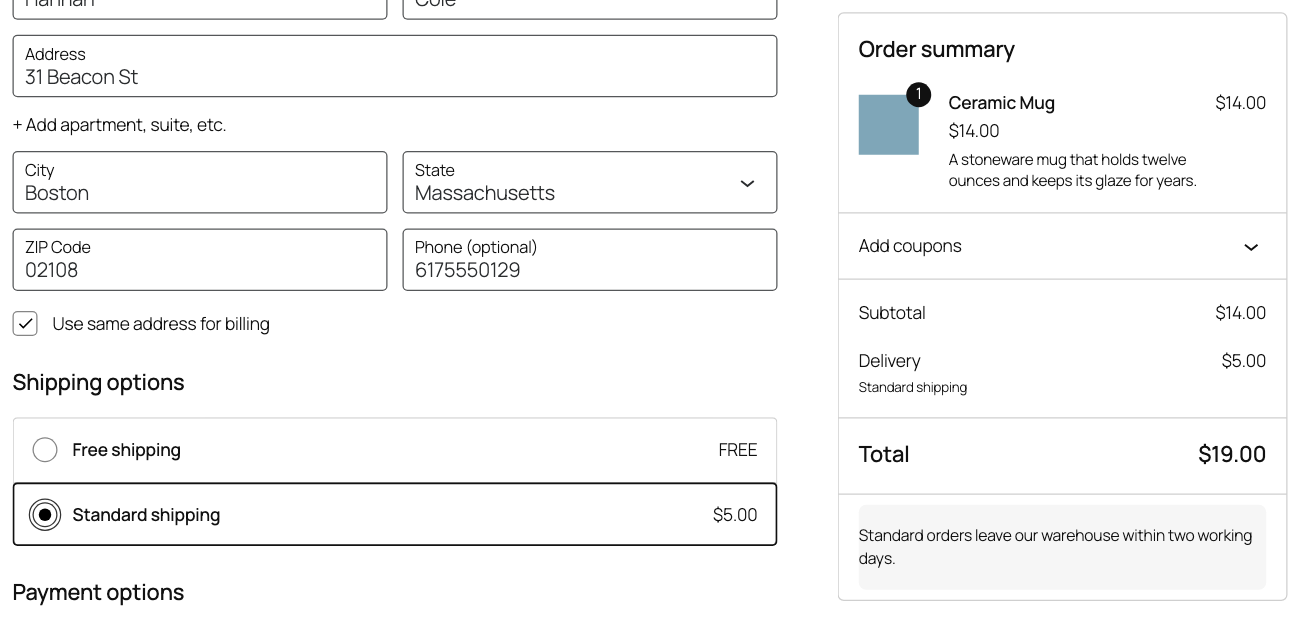
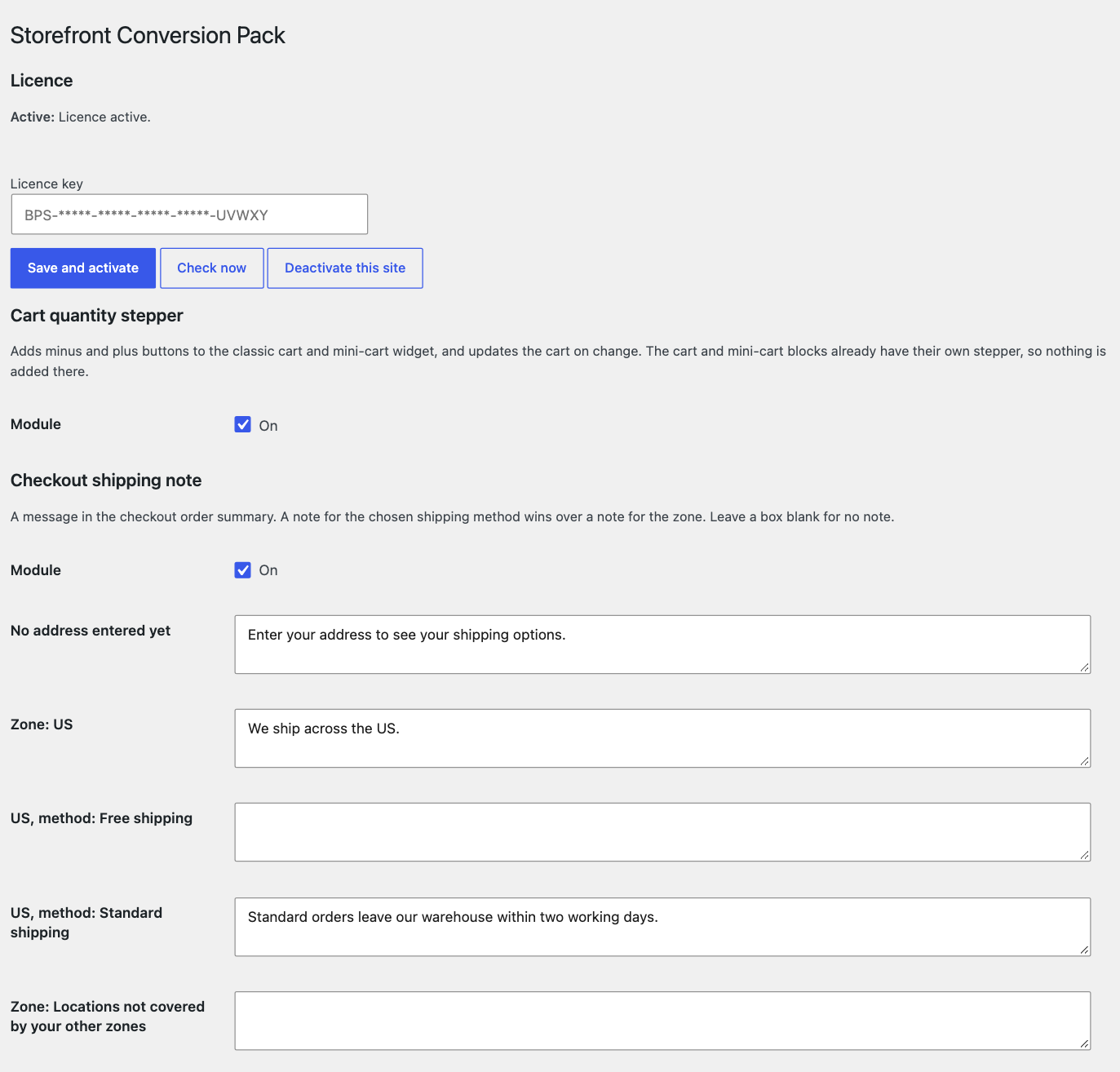
| Checkout shipping note | A message in the order summary: one with no address yet, one per zone, one per method | On |
| Quantity deal tiles | “Buy 2, save” tiles on the product page, with the discount applied in the cart | On, does nothing until you enter tiers |
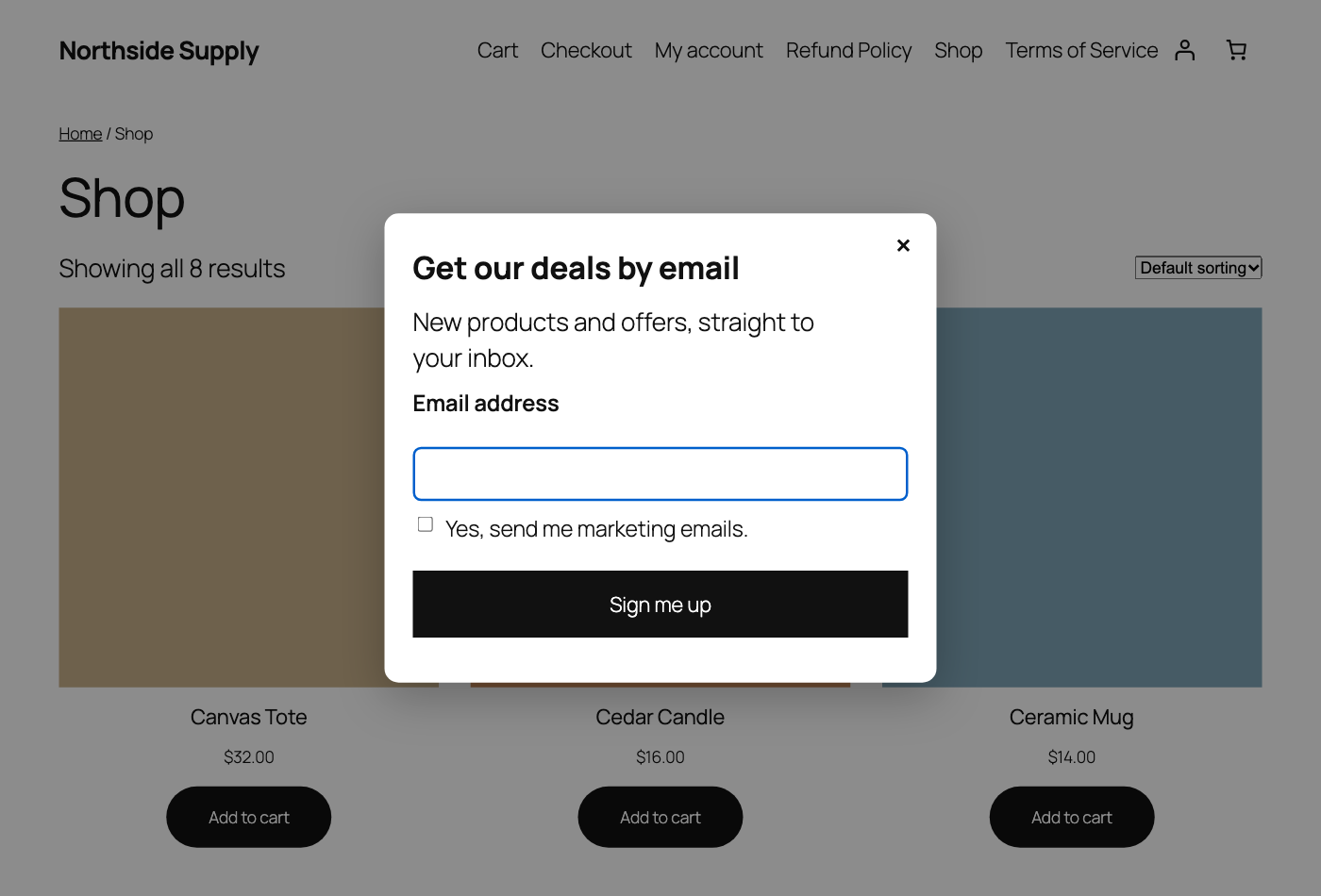
| Email capture | A popup or shortcode form. Signups go in a local table with CSV export and an optional webhook | Off |
| Review button | A button in My Account and the completed order email | On |
| Terms notice | Shows your terms at checkout and records what the customer saw and when, on the order | Off |
| Card images | A set image ratio on product cards, plus a second image on hover | Off |
| Checkout account helper | Tells a returning customer they have an account and offers sign-in, plus help links | Off |
| Shop UX | A panel after add to cart, savings badge, notes, heading options, one-row layout, moved cross-sells | Off |
How it works at checkout
The shipping note, terms notice and account helper run on your own store, on classic and block checkout. Deal discounts are worked out on the server side of your store, so they cannot be changed in the browser.
Our server never blocks your checkout. If our server is down, your store and checkout carry on and you see a notice in wp-admin.
Requirements
- WooCommerce 11.1 or newer, WordPress 6.5 or newer, PHP 8.1 or newer
- Works with HPOS on or off
- Block and classic checkout supported, with these classic-only parts:
- The stepper is added to the classic cart and mini-cart widget. The cart and mini-cart blocks already have their own.
- Moving cross-sells works on classic only.
- The heading and one-row options affect classic product templates.
- The terms notice on block checkout needs the terms block on the page.
- Deal tiles work on the classic product form and the Add to Cart Form block. The Add to Cart with Options block has not been tested.
Privacy: what leaves your store
Only licence checks. About once a day the plugin sends your licence key, store address, a site ID, and your plugin, WordPress, WooCommerce and PHP versions. Our server also sees your store’s IP address, and keeps it in its logs for up to 30 days. No customer data goes to our server.
Email signups stay in a table on your site. If you set a webhook, each signup also goes to the address you chose, and to nobody else.
Pricing
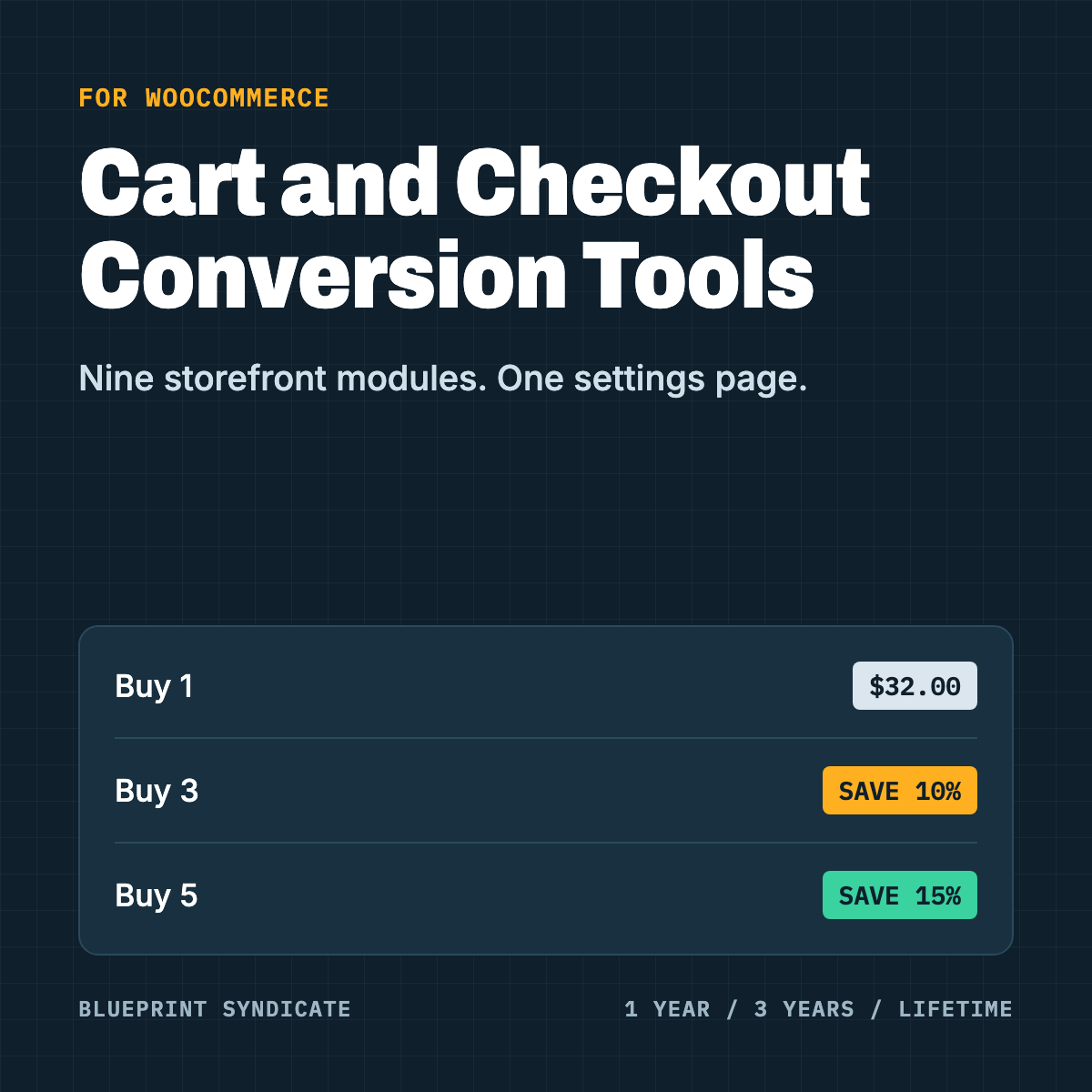
1-year licence: $59. 3-year licence: $119. Lifetime licence: $143. Each is a one-time payment with no auto-renewal. When a 1-year or 3-year term ends, you buy a new licence to keep the plugin running.
Each licence covers one site.
What happens if you cancel
All features stop 7 days after your term ends. Your settings and data are kept, and a new licence restores everything.
- Stops: the cart quantity stepper, the checkout shipping note, deal tiles, email capture, the review button, the terms notice, card images, the account helper and shop UX. Your signups stay in the table.
- Terms records: new orders stop getting a terms acceptance record. Records on past orders stay.
Honest limits
- Deal tiles work per cart line. There is no mix and match, and variable products show a percent only.
- Email capture does not prove the person who typed an address owns it. There is no double opt-in, so a script could add other people’s addresses.
- The email webhook makes one attempt with no retries. The local table is the record.
- On block checkout, terms are recorded as the text you configured at order time. A cached checkout page could show a customer older wording.
- The account helper tells visitors whether an email has a customer account. It is rate limited and never reveals staff accounts, and it is off by default for this reason.
- If you sit behind a proxy, rate limits need a filter set so they see the real visitor address.
- The admin order screen does not display the terms record.
- Uninstalling deletes the terms records, unless the Chargeback Evidence and Dispute Protection for WooCommerce is installed or you turn on Keep.
FAQ
Will all nine modules load on every page? Each has its own switch, and modules you turn off do not run.
Does it replace my email marketing tool? No. It collects signups and hands them to you by CSV or webhook.
Is the terms notice a tick box? It is a notice, and the plugin never pre-ticks anything. It records the text shown, the page and the time on the order.
Is there a free version? No. The plugin needs a licence: 1-year, 3-year or lifetime.
Reviews
There are no reviews yet.